Event photography pro
How to capture the atmosphere of an event, the key moments and the movement professionally – even when the light keeps changing and things happen fast.
Event photography is about living in the moment and anticipating. You can't ask for the same moment to be repeated, so good preparation and reliable gear are decisive. The goal is to capture both the key moments of the programme and the unique atmosphere of the event.
1. Preparation and gear
Once the event is under way, your gear has to work seamlessly and you need to know what happens next.
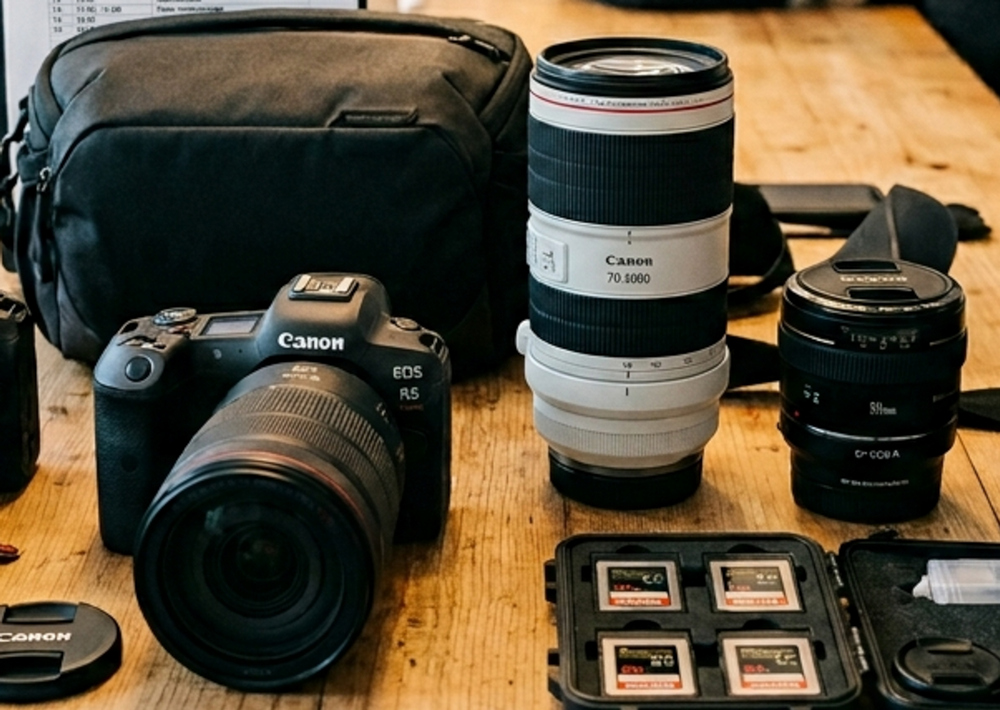
Before the event
- Ask for the programme and find out when the key moments (speeches, awards, performances) are.
- Agree with the organiser which photos matter most and who absolutely must be photographed.
- Visit the venue in advance or arrive early: check the lighting, the shooting positions and the routes.
In the bag
- Charged spare batteries and empty memory cards.
- A speedlight, spare batteries for it and a diffuser.
- A cleaning cloth plus quiet shoes and dark clothes so you don't stand out.
A professional's kit list
- Two camera bodies: Changing lenses during an event takes time, and the best moments pass you by. Keep a standard zoom (e.g. 24–70 mm) on one body and a telephoto (e.g. 70–200 mm) on the other.
- Fast lenses (f/1.4–f/2.8): Event venues are often dim. A wide aperture lets in more light, so the ISO and noise stay lower.
- Record to two cards: If your camera has two card slots, save the same photos to both. If one card fails, the photos are still safe.
2. Settings for low light and movement
With the right settings your photos stay sharp even when people are moving and there is little light.
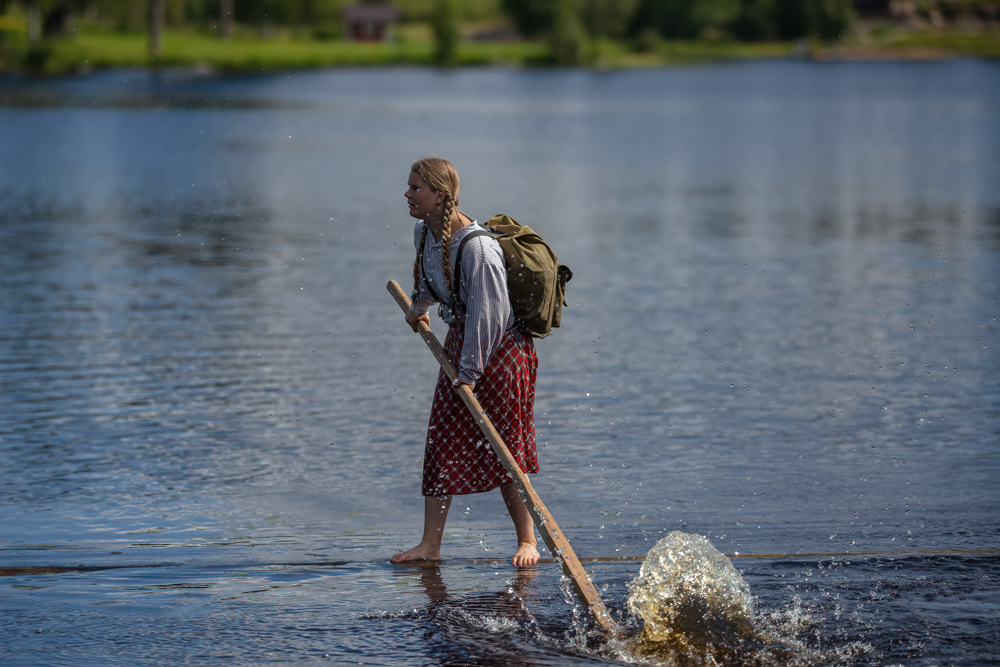
The most important exposure settings
- Shutter speed: At least 1/160–1/250 s for speakers. For dancing, sport and other fast action 1/500 s or faster.
- Aperture: In low light a wide aperture (f/1.8–f/2.8). For group photos stop down (f/4–f/5.6) so that everyone is sharp.
- ISO: Use Auto ISO and set an upper limit (e.g. ISO 6400). A little noise is always better than a blurry photo.
- Focus: Continuous focus (AF-C / AI Servo) and face or eye detection keep moving people sharp.
- File format and white balance: Shoot RAW. Stage lights change colour, and with a RAW file you can correct the white balance afterwards without losing quality.
- Silent shutter: During speeches, concerts and wedding ceremonies use a silent or electronic shutter if your camera has one.
3. Settings for different situations
Starting values to guide you. Always check the exposure on the histogram and adjust to the situation.
| Situation | Shutter speed | Aperture | Tip |
|---|---|---|---|
| Speaker on stage | 1/200 s | f/2.8 | Telephoto lens, wait for a gesture or expression |
| Banquet hall, dinner | 1/125 s | f/2–f/2.8 | Bounce the flash off the ceiling, the background can stay a little dark |
| Group photo | 1/160 s | f/5.6 | Take several shots so that nobody has their eyes closed |
| Dance floor, concert | 1/250–1/500 s | f/1.8–f/2.8 | Burst mode, Auto ISO |
| Outdoor event in daylight | 1/500 s | f/4–f/5.6 | Fill flash for faces in shadow |
4. Storytelling: what should you capture?
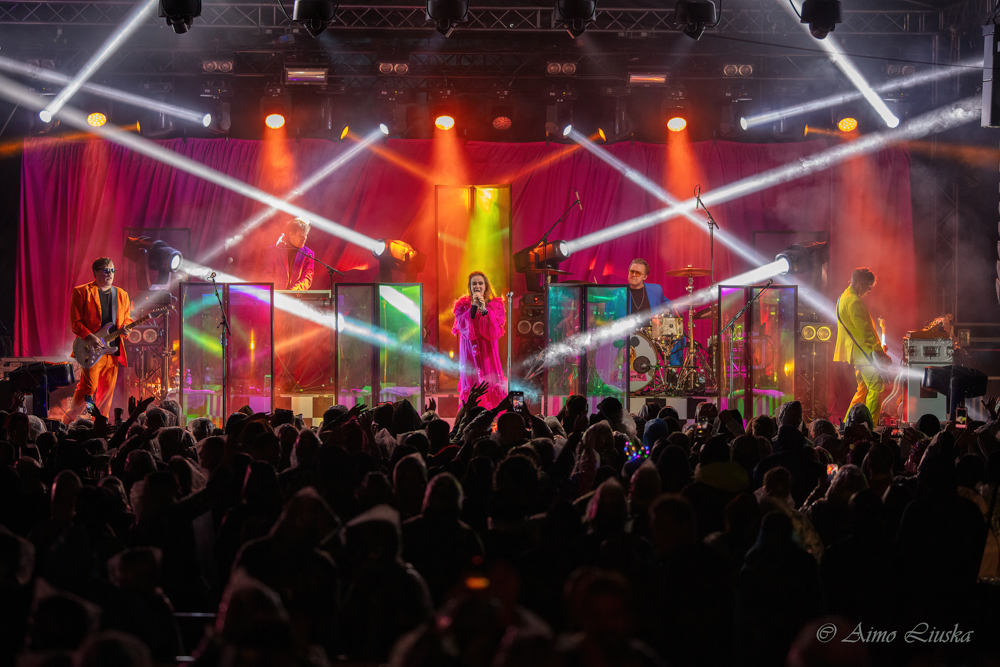
A complete set of photos is built from three types of shot:
- Wide shots: Show the venue, the size of the crowd and the scale of the event. Take them when the space is full – not empty at the start or the end.
- Medium shots and interaction: Focus on people's expressions, laughter, conversations and gestures. The best photos happen when people don't notice the camera.
- Detail shots: Logos, decorations, food, lighting and the printed programme. The organiser needs these photos for marketing.
Remember the reactions too: When the speaker laughs or an award is handed over, turn towards the audience now and then. The audience's reactions often tell more about the atmosphere than the stage itself.
5. Using flash
- Turn the flash head: Don't point the flash straight at the subject. Bounce the light off the ceiling or a wall, so it softens and spreads naturally.
- Colour gels: If the indoor lighting is yellow, put an orange CTO gel on the flash so that the colour of the flash matches the room light.
- Save the flash for the right moments: During speeches and performances the flash is disturbing. Shoot without it then, and use it during breaks, mingling and for group photos.
6. Manners, permissions and privacy
- Agree on photography in advance: Ask the organiser whether participants are told about the photography and whether anyone has said no to being photographed.
- Respect a no: If someone doesn't want to be photographed, don't photograph them and don't publish photos where they can be recognised.
- Children: Publishing recognisable photos of children requires a guardian's permission.
- Don't disturb the programme: Move quietly, avoid stepping in front of performers and keep the camera ready, so you don't have to fiddle with settings in the middle of an important moment.
7. Post-processing and delivery
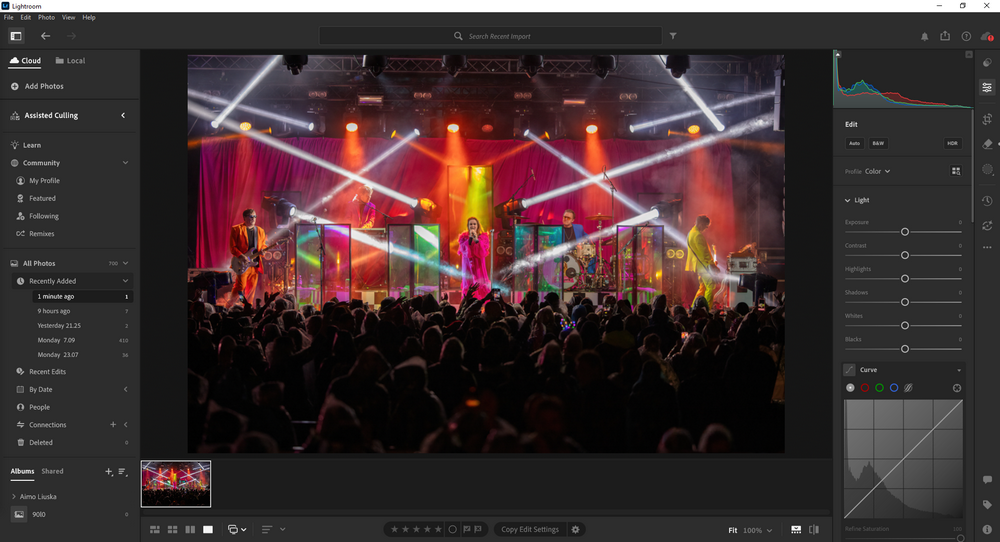
- Back up immediately: Copy the photos to your computer and back them up before you clear the memory cards.
- Cull boldly: Delete blurry photos, photos with closed eyes and near-identical shots. Deliver only the best.
- Make the set consistent: Correct the white balance and exposure of one photo and copy the settings to the others taken in the same light (e.g. with Lightroom's Sync).
- Deliver quickly: A few finished photos the same evening or the next day delight the organiser, who wants to share them on social media.
The most common pitfalls
Faces purple or red?
Coloured stage lights (especially LEDs) mess up skin tones. Shoot RAW and lower the saturation of red and purple in post-processing.
Speaker's face hidden behind the microphone?
Change your angle to the side and wait for the moment when the speaker turns their head or looks at the audience.
Faces blown out in the spotlight?
A black background makes the camera overexpose. Use spot metering on the face or negative exposure compensation (-1…-2 EV).
Someone blinking in the group photo?
Always take a series of at least 3–5 shots. Ask the group to look at the camera and press the shutter straight away.
"An event photographer's most important skill is to blend into the crowd – the best moments are captured when nobody notices you."