AN AERIAL PHOTOGRAPHER'S GUIDE: DRONE TECHNIQUE
DJI settings, ND filters, the right exposure and safe flying in landscape photography.
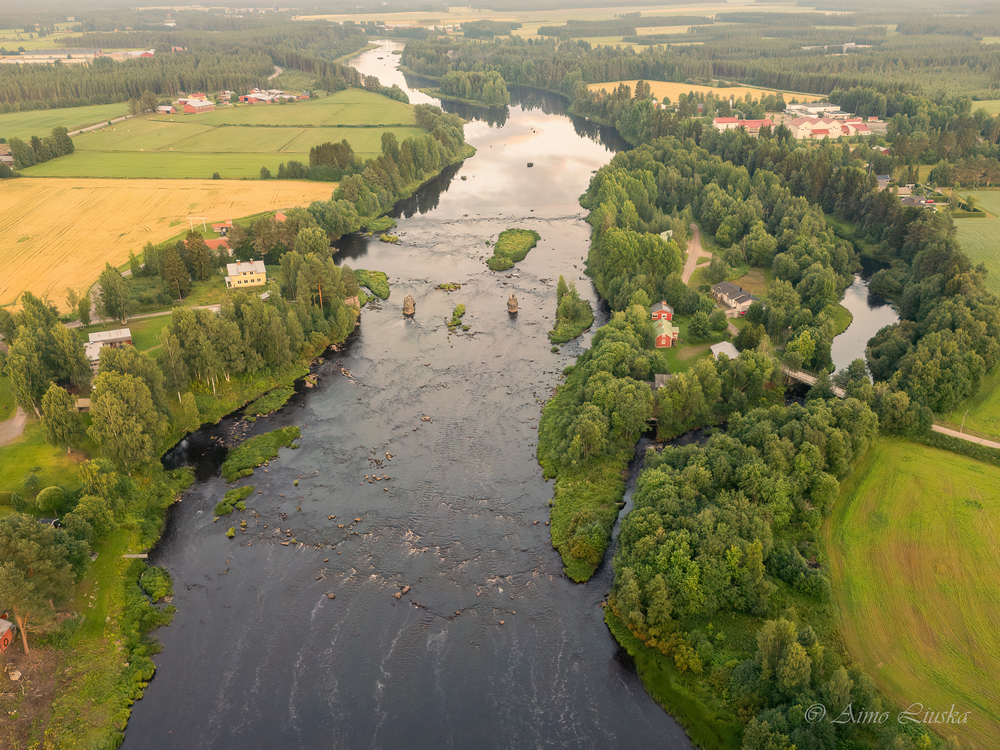
THE MOST IMPORTANT DJI AND DRONE SETTINGS
In aerial photography the camera settings make a decisive difference to image quality and smoothness. It is worth switching from automatic to manual settings as soon as you want more professional results.
• Always shoot RAW (DNG)
For photos, RAW lets you correct the dynamic range and colours as much as possible in post-processing. A drone's small sensor benefits hugely from the flexibility of a RAW file.
• Video: D-Cinelike / D-Log M
Use a flat colour profile for video to keep as much detail as possible in the shadows and highlights for later colour grading.
• The exposure rule (180-degree shutter rule)
For smooth video the shutter speed should be double the frame rate. For example 4K 30 fps = shutter speed 1/60 s.
ND FILTERS IN AERIAL PHOTOGRAPHY
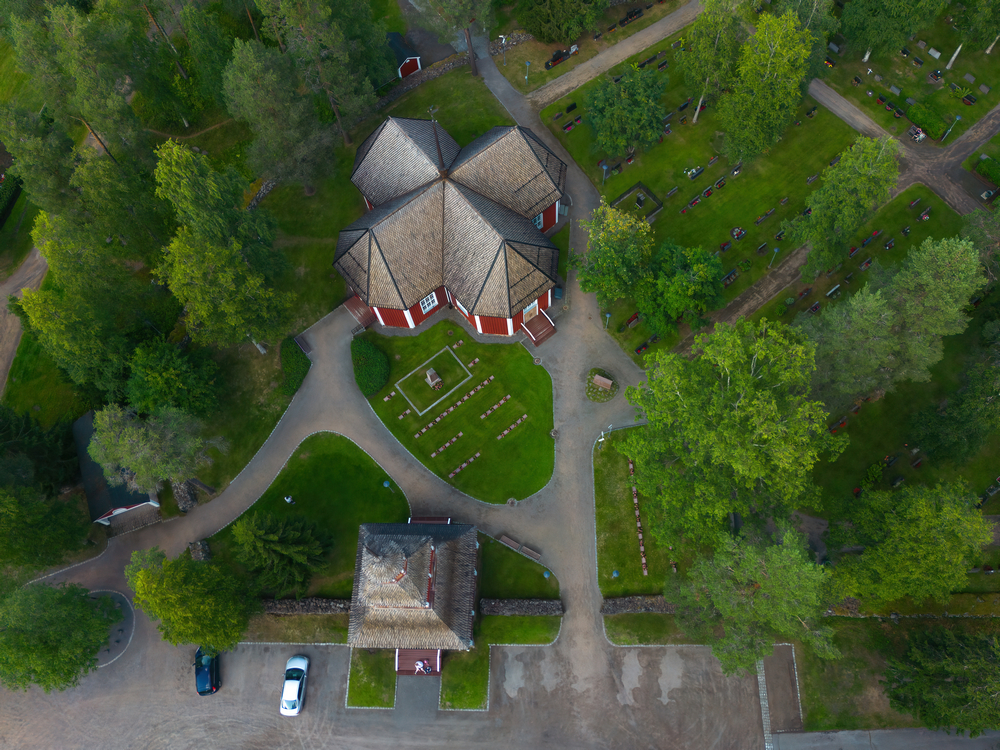
CHOOSING ND FILTERS FOR DIFFERENT CONDITIONS
| Filter | Light reduction | Conditions | Rating (30 fps / 1/60 s) |
|---|---|---|---|
| ND4 | 2 stops | Dusk, early mornings / late evenings | Mild |
| ND8 | 3 stops | Cloudy or partly cloudy weather | Basic |
| ND16 | 4 stops | Normal daylight / light sunshine | Popular |
| ND32 / ND64 | 5–6 stops | Bright sunshine, snow or reflections from water | Strong |
FLYING A DRONE IN FINLAND
Hobby flying falls under the open category of the common EU rules, which in Finland is supervised by Traficom (the Finnish Transport and Communications Agency). The most important rules:
1. Register as an operator
Registering with Traficom is mandatory if the drone weighs 250 g or more or has a camera. In practice almost all camera drones – including the light DJI Mini models – need to be registered. You get an operator ID that you mark on the drone.
2. Take the online test if needed
For a C0-class drone under 250 g the test isn't mandatory, but it is recommended. Pilots of C1-class and heavier drones must pass Traficom's free A1/A3 online test.
3. Height and line of sight
The maximum permitted flying height is 120 metres above the ground. You must keep the drone in sight the whole time – the image on the controller's screen alone is not enough.
4. People and privacy
Don't fly over crowds. A drone under 250 g may fly over individual people, heavier ones may not. Gardens and balconies are private domestic areas: photographing them without permission is prohibited, and the same rules apply to publishing photos of recognisable people as in any other photography.
5. Always give way to manned aircraft
Land immediately if you hear a helicopter or an aeroplane. Flying near rescue and police operations is prohibited. Also check the liability cover in your home insurance – it doesn't always cover drone damage.
Check the current rules: The rules and restricted areas change. Up-to-date information, registration and the online test are on Traficom's website (traficom.fi), and you can see restricted areas in the Droneinfo service or the Flyk app.
SAFE FLYING AND A CHECKLIST
1. Check the airspace and permissions (Droneinfo / Flyk)
Always make sure before take-off that you are not in restricted airspace (e.g. near airports or in nature reserves, which may have drone bans).
2. Compass calibration
Calibrate the compass when the drone asks for it – usually at a new location far away or after magnetic interference. IMU calibration is needed only rarely, when the app tells you to. Avoid taking off from large metal structures or reinforced concrete.
3. Batteries and temperature
In cold weather battery performance drops fast. Warm the batteries in your pocket before flying and bring the drone back in good time (e.g. at 25–30 % battery).
A pro tip: Always set the RTH (Return-To-Home) height above the terrain and the surrounding trees or buildings (e.g. 50–70 metres), so the drone returns safely if the signal is lost.