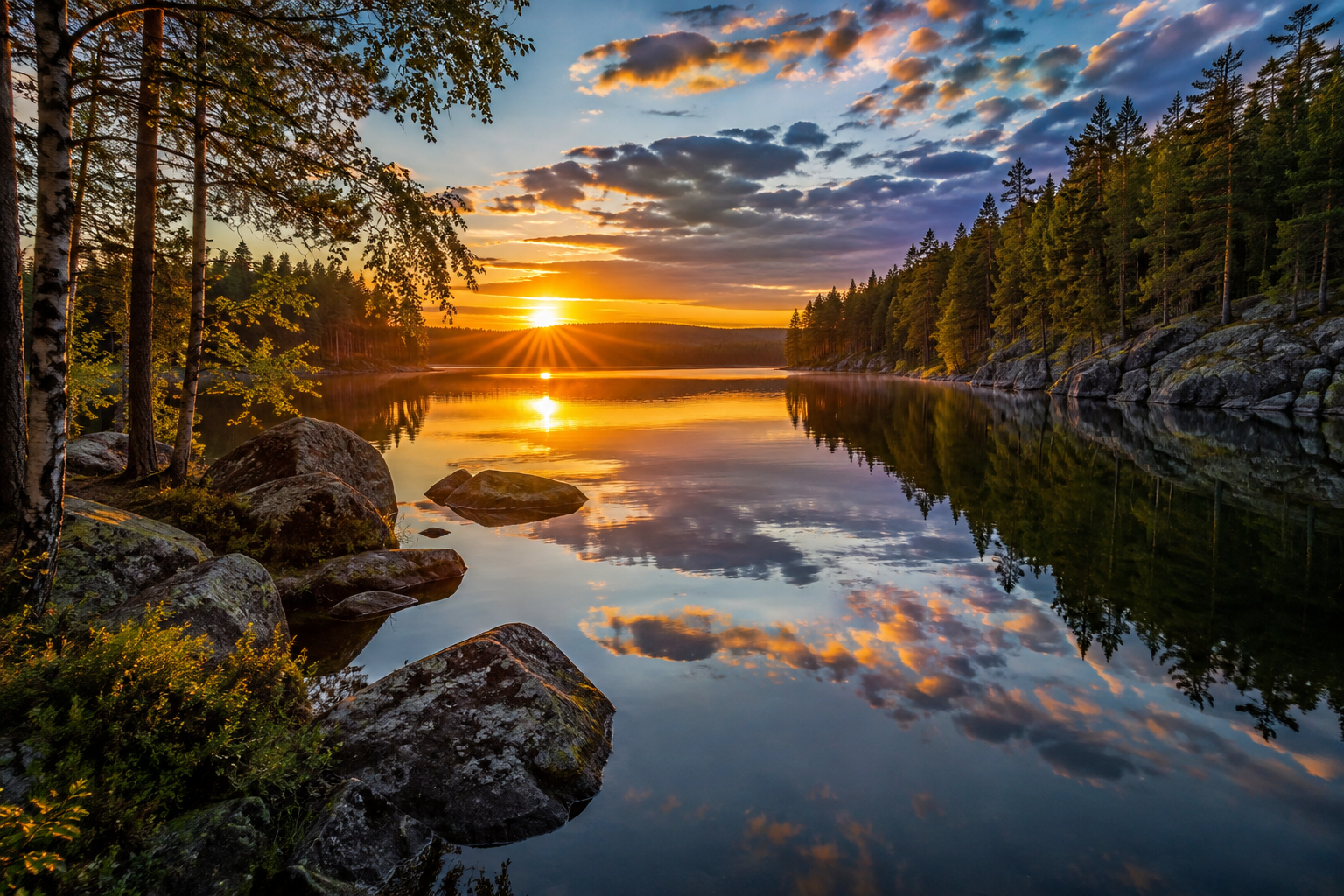
Creating AI images – basics and prompting
How to create striking images with AI, write a good prompt and use the images responsibly.
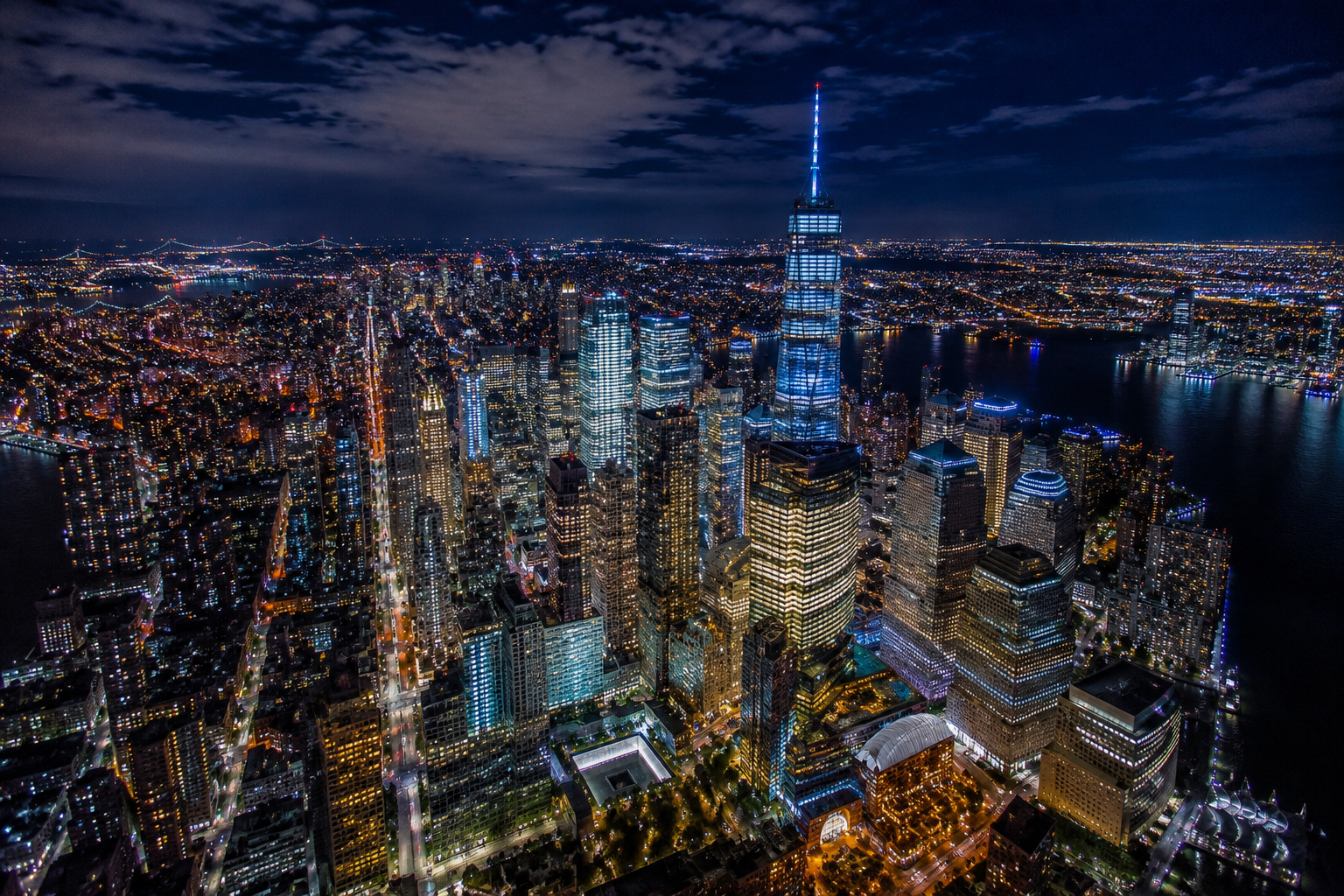
1. What is AI imagery?
Creating AI images is based on text commands (prompts). You give the AI a description of the subject, style, lighting and proportions you want, and the algorithm creates a completely new image based on your request.
2. The structure of a good prompt
The best results come when the prompt follows a clear formula:
The golden prompt formula:
[Main subject] + [Setting/background] + [Lighting and colours] + [Style/camera]
- Subject: An old photographer holding a DSLR camera.
- Setting: A misty pine forest at Syöte (a fell area in northern Finland).
- Lighting: Soft morning sunlight (golden hour).
- Style: Photorealistic, 85 mm f/1.8 lens, sharp focus.
The finished prompt together:
An old photographer holding a DSLR camera in a misty pine forest at Syöte, soft golden morning light filtering through the trees, photorealistic, 85 mm f/1.8, shallow depth of field, landscape 3:2
Most tools understand many languages nowadays. If the result misses the mark, try the same prompt in English – some tools work more precisely in English.
A photographer's vocabulary helps
- Light: "side light", "backlight", "blue hour", "soft overcast light".
- Camera: focal length (24 mm wide angle, 200 mm telephoto), aperture (f/1.8 blurred background, f/11 everything sharp).
- Camera angle: "low angle", "bird's-eye view", "close-up".
- Aspect ratio: always say whether you need a landscape, portrait or square image (e.g. 4:5 for Instagram).
Refining the image step by step
The first image is rarely finished. Improve it with small changes:
- Change one thing at a time: for example "the same image, but in evening light". This shows you which word affects what.
- Edit part of the image: ChatGPT, Firefly and Midjourney can change just a selected area – for example replace the sky or remove an extra object.
- Check the details: Hands, fingers, text, reflections and the structure of cameras still go wrong now and then. Look at the image enlarged before using it.
3. The best tools to start with
The tools develop fast and new versions come out several times a year. These are currently the most popular:
- ChatGPT (OpenAI): The easiest to start with. You can ask for an image and edit it in an ordinary conversation, and it understands many languages well. Also good for images that contain text.
- Midjourney: Known for its artistic, polished look. Works in the browser, requires a paid subscription.
- Adobe Firefly: Trained on licensed material, so it is the safest choice for commercial use. The same technology is in Photoshop's Generative Fill.
- Google Gemini: Works with a Google account and is strong at editing images through conversation.
- Stable Diffusion / FLUX: Can be run for free on your own computer, but needs a powerful graphics card and more learning.
4. Responsible use and rules
- Say that the image was made by AI: An AI image is not a photograph. Label it clearly, for example in the caption or on social media. The EU AI Act requires realistic AI images and videos (deepfakes) to be labelled.
- Photo competitions: Almost all nature and photo competitions ban AI-generated images and often generative fill too. Read the rules before you submit a photo.
- Copyright: An image produced purely by AI usually doesn't get copyright protection, because it has no human author. Also check the service's terms of use to see whether the image may be used commercially.
- Real people and styles: Don't make images of recognisable people without permission, and don't imitate a living artist's style using their name.